
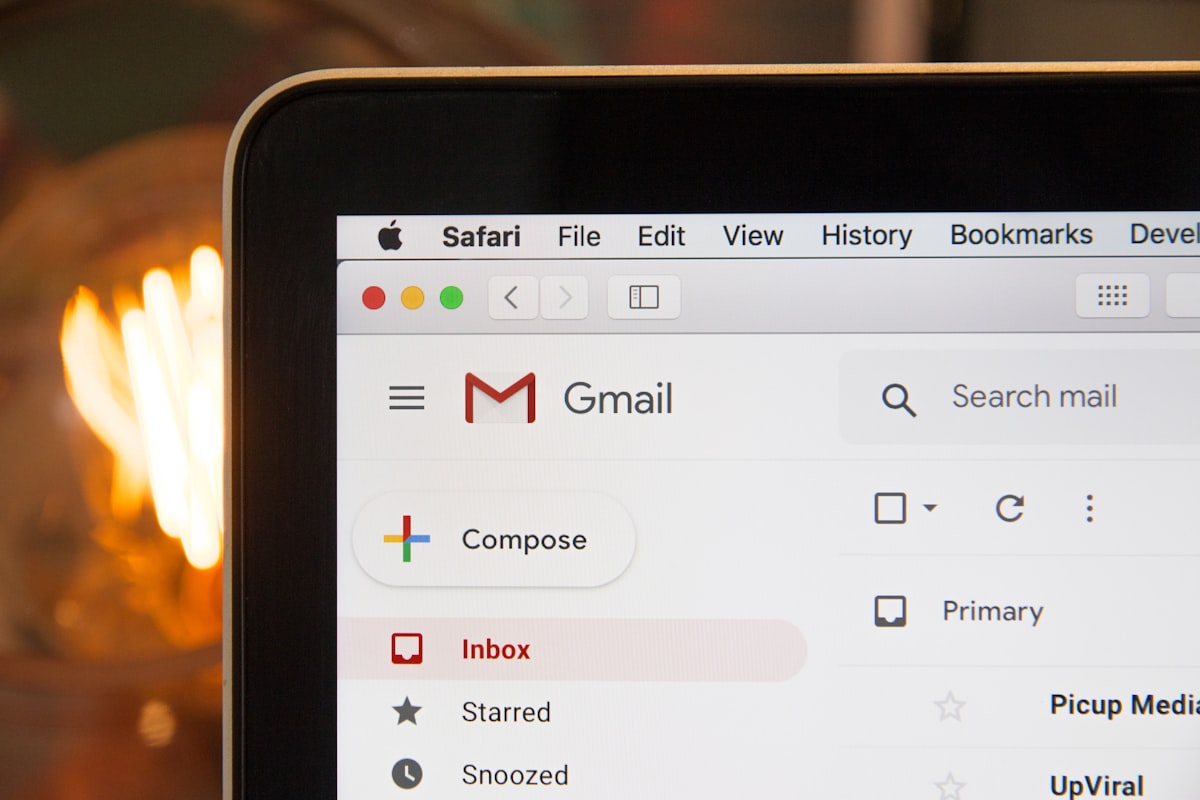
Email template design is unlike web design. The constraints of email clients, the variety of rendering engines, and the unique context of inbox consumption all demand specific approaches. A beautiful web page can become an unreadable mess in Outlook, while a well-designed email renders consistently everywhere.
This guide covers the principles and practices of effective email template design, with special attention to transactional emails where clarity and functionality matter most.
Understanding Email Client Rendering
The Rendering Challenge
Unlike browsers with relatively consistent standards support, email clients use diverse rendering engines. Apple Mail and iOS use WebKit with good CSS support. Gmail heavily modifies rendering and strips many styles. Outlook on Windows uses Microsoft Word's rendering engine. Each has its own quirks and limitations.
Designing for email means designing for the lowest common denominator while progressively enhancing for capable clients.
CSS Support Limitations
Many CSS properties do not work reliably in email:
- Flexbox and Grid (no support in Outlook)
- Position: absolute/relative
- Float (inconsistent)
- External stylesheets (stripped by Gmail)
- Many pseudo-selectors
- CSS animations (limited support)
Email Design Foundations
Table-Based Layout
Tables for layout are still necessary in email. They are the only layout method that works consistently across all clients. Use role="presentation" to tell screen readers it is not tabular data, and reset cellpadding, cellspacing, and border to zero.
Inline Styles
Gmail strips style blocks from the head. Critical styles must be inline on each element. Use a CSS inliner tool for development efficiency.
Web-Safe Fonts
Custom fonts have limited email support. Stick to system fonts like Arial, Helvetica, Georgia, and system font stacks. If you must use custom fonts, provide fallbacks.
Transactional Email Design Principles
Clarity Over Creativity
Transactional emails serve a functional purpose. The recipient wants specific information quickly. Order confirmations need order number, items, total. Password resets need the reset link prominently displayed. Do not bury this information in marketing content.
Mobile-First Design
Over 60% of email opens are on mobile. Design for small screens first with single column layouts, large touch targets of at least 44px, readable fonts of minimum 14px body text, and thumb-friendly CTAs.
Accessible Design
Ensure all users can access your content with alt text for images, sufficient color contrast, semantic HTML structure, and a plain-text version.
Essential Components
Header
Include your company logo hosted externally, consistent placement and sizing, link to website, and consider preheader text for inbox preview.
Body
Clear subject line reflected in content, personalized greeting when appropriate, key information immediately visible, logical content flow, and clear call-to-action if action is needed.
Footer
Company contact information, physical address as legally required, unsubscribe link for non-essential notifications, links to help and support.
Button Design
Use bulletproof buttons with table-based structure for consistent rendering. Minimum 44px height for mobile tap targets, high contrast colors, clear action-oriented text, and never use images for buttons.
Testing Email Templates
What to Test
- Rendering across major email clients
- Mobile responsiveness
- Dark mode appearance
- Images blocked state
- Link functionality
- Plain text version
Testing Tools
Use Litmus or Email on Acid for comprehensive email testing, Mailtrap for development and staging, and real devices for actual testing.
Conclusion
Email template design requires embracing constraints. Table layouts, inline styles, and defensive coding are necessary. For transactional email, prioritize function over form. Clear, scannable, accessible emails that render reliably beat elaborate designs that break in half your recipients' clients.
GetMailer provides professionally designed, tested email templates for common transactional use cases. Our templates render correctly across all major clients and follow accessibility best practices.